
- Details
- Written by: Stanko Milosev
- Category: Windows 8
- Hits: 7055
First I downloaded VC11 x86 Non Thread Safe php-5.6.5-nts-Win32-VC11-x86, then I installed IIS with CGI support.
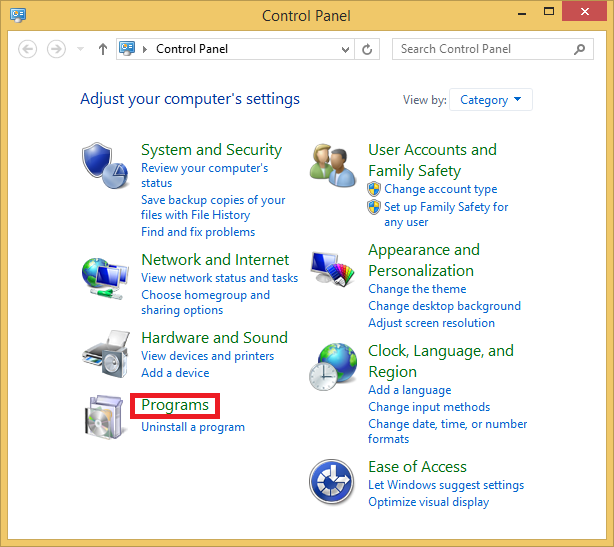
To install IIS go to Control Panel -> Programs:
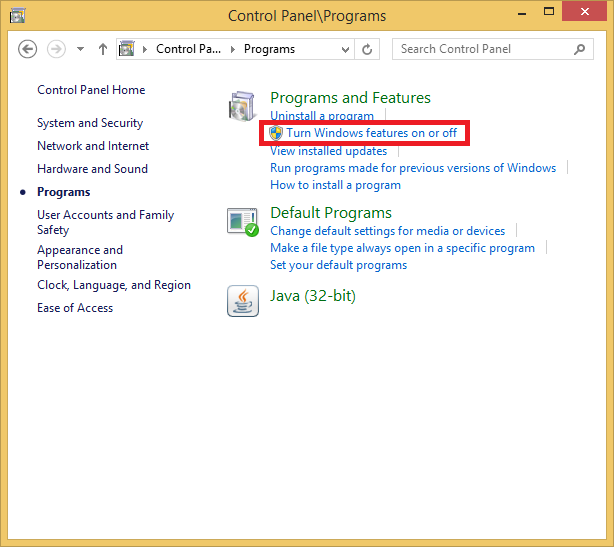
Turn Windows features on or off:
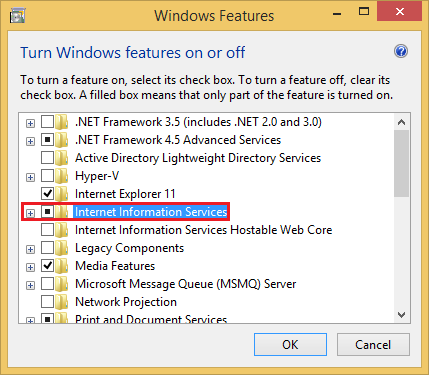
First just click on Internet Information Services check box, and automatically will be selected everything you need for IIS management:
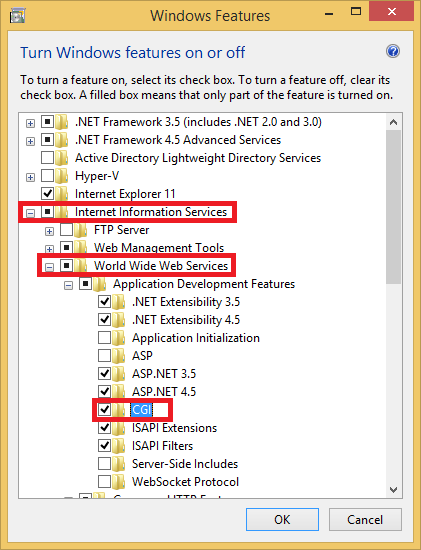
Then go to Internet Information Services -> World Wide Web Services ->CGI, in my case I also installed ASP.Net since I do development mostly in .Net. CGI you need for Fast CGI support.
To check if IIS management is intalled go to Control panel -> System and security:
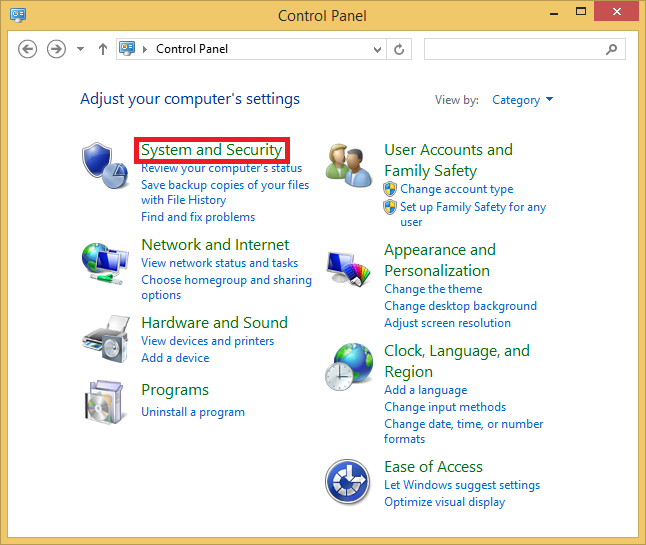
Administrative tools:
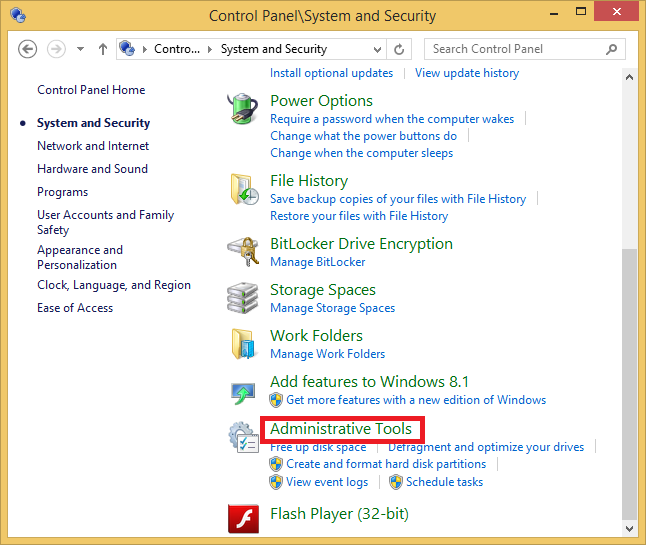
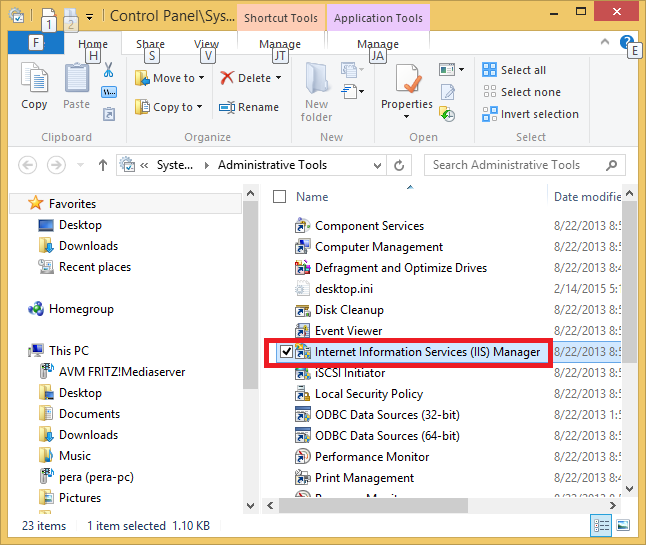
Search for Internet Information Services (IIS) Manager:
Then I extracted downloaded PHP to c:\php, and renamed php.ini-development to php.ini:
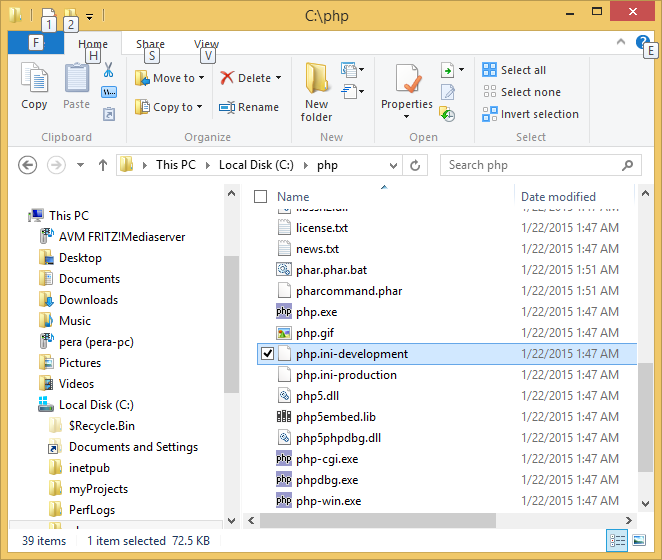
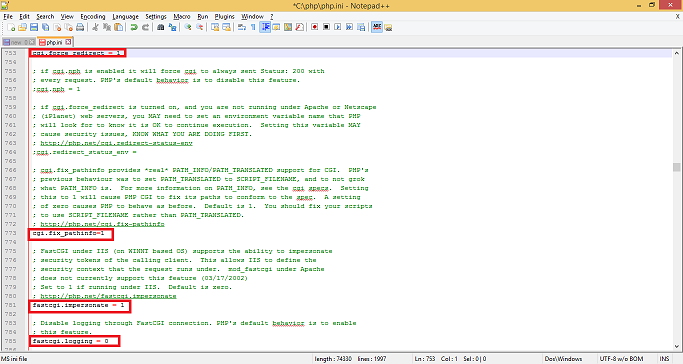
After that in php.ini I searched and uncommented (deleted ";") following lines:
cgi.force_redirect = 0
cgi.fix_pathinfo=1
fastcgi.impersonate = 1
fastcgi.logging = 0
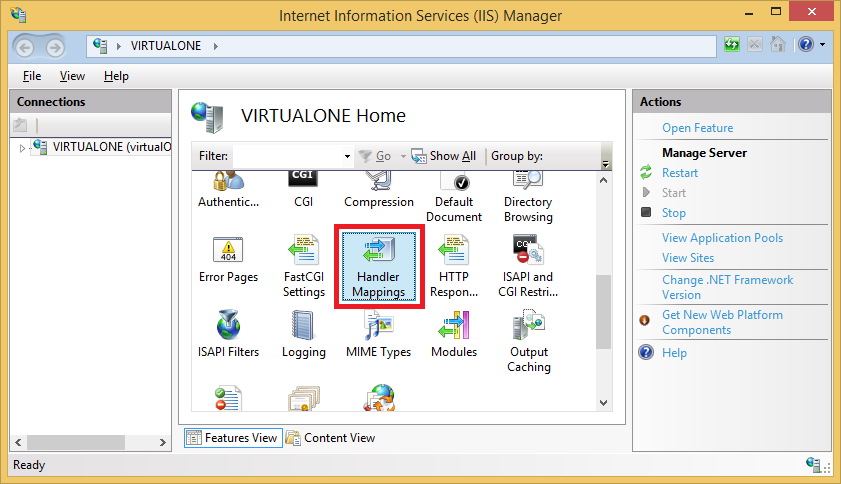
Then in IIS manager open Handler Mappings:
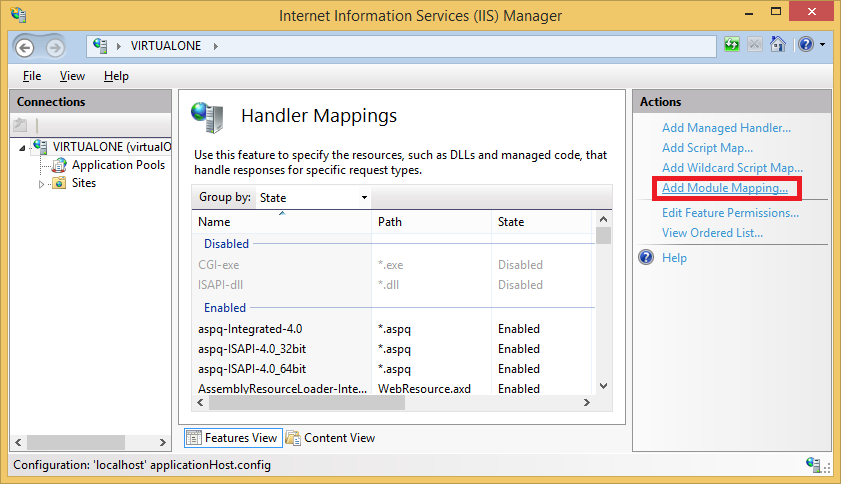
Click Add module mappings:
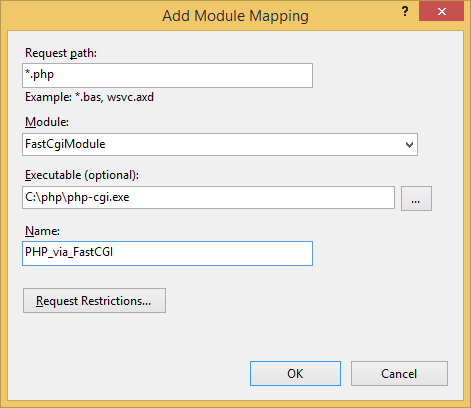
In the "Add Module Mapping" dialog enter the following:
Request path: *.php
Module: FastCgiModule
Executable: C:\php\php-cgi.exe
Name: PHP_via_FastCGI
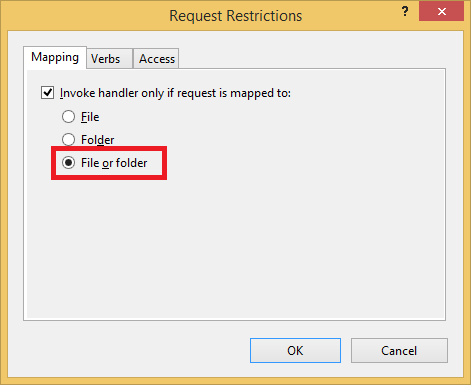
Click "Request Restrictions" button and then configure the mapping to invoke handler only if request is mapped to a file or a folder:
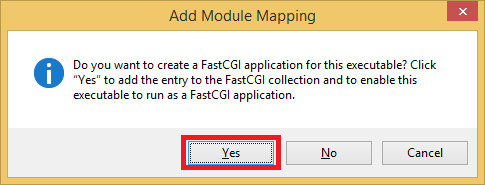
Click OK, and click yes on dialog:
---------------------------
Add Module Mapping
---------------------------
Do you want to create a FastCGI application for this executable? Click "Yes" to add the entry to the FastCGI collection and to enable this executable to run as a FastCGI application.
---------------------------
Yes No Cancel
---------------------------
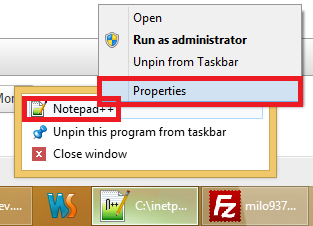
Start Notepad++as administrator, in my case, in advanced properties dialog for my shortcut I checked Run as administrator. Right click on icon in task bar (I pinned Notepad++ to taskbar), right click on Notepad++, left click on properties:
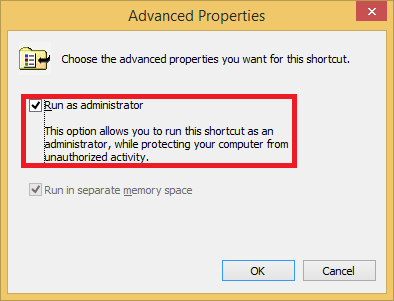
And check "Run as administrator" check box:
Now in Notepad++ write:
<?php
	phpinfo()
?>
Save it in C:\inetpub\wwwroot <- that is why you need administrative priveleges, now go to:
and you should see PHP info page.
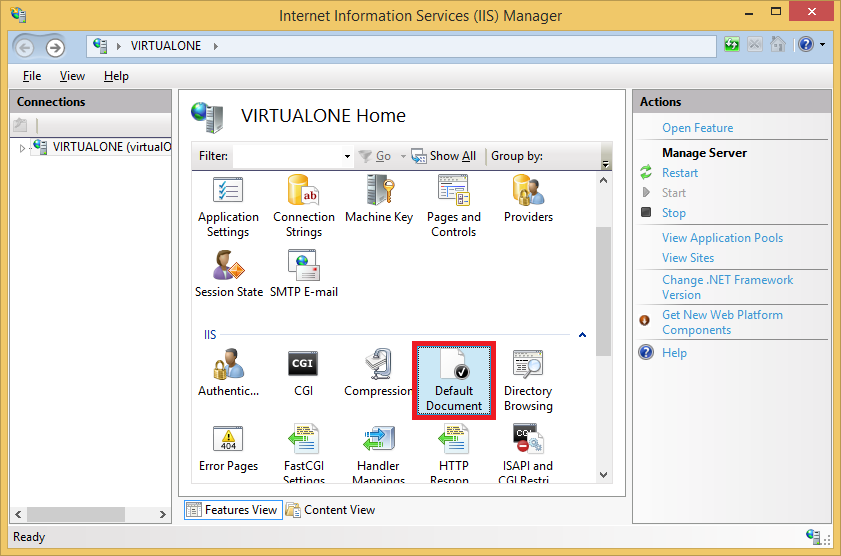
To set index.php as default document, again open IIS manager, and click Default Document:
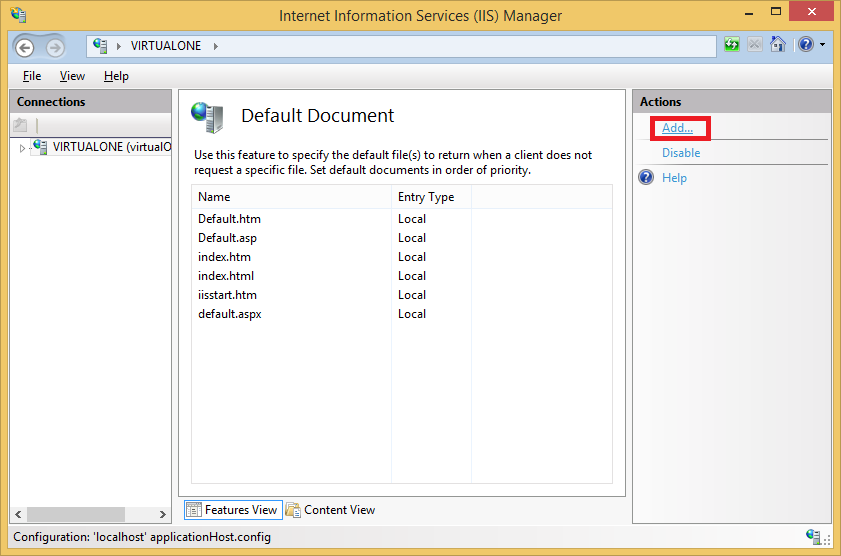
Click add:
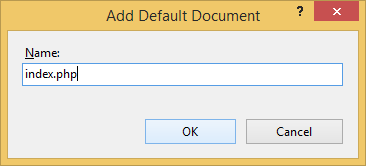
And in name write index.php:
- Details
- Written by: Stanko Milosev
- Category: Notepad++
- Hits: 3534
varbinary\(max\)
- Details
- Written by: Stanko Milosev
- Category: Notepad++
- Hits: 3206
^At the end of each line
$
- Details
- Written by: Stanko Milosev
- Category: Notepad++
- Hits: 3415
\].*